Your iPhone, by the numbers.
Storage, data, memory, battery and CPU — one live dashboard, drawn entirely in ordered-dither pixels.
Download on the App StoreFREE · ONE-TIME US$6.99 PRO UNLOCK · NO SUBSCRIPTION
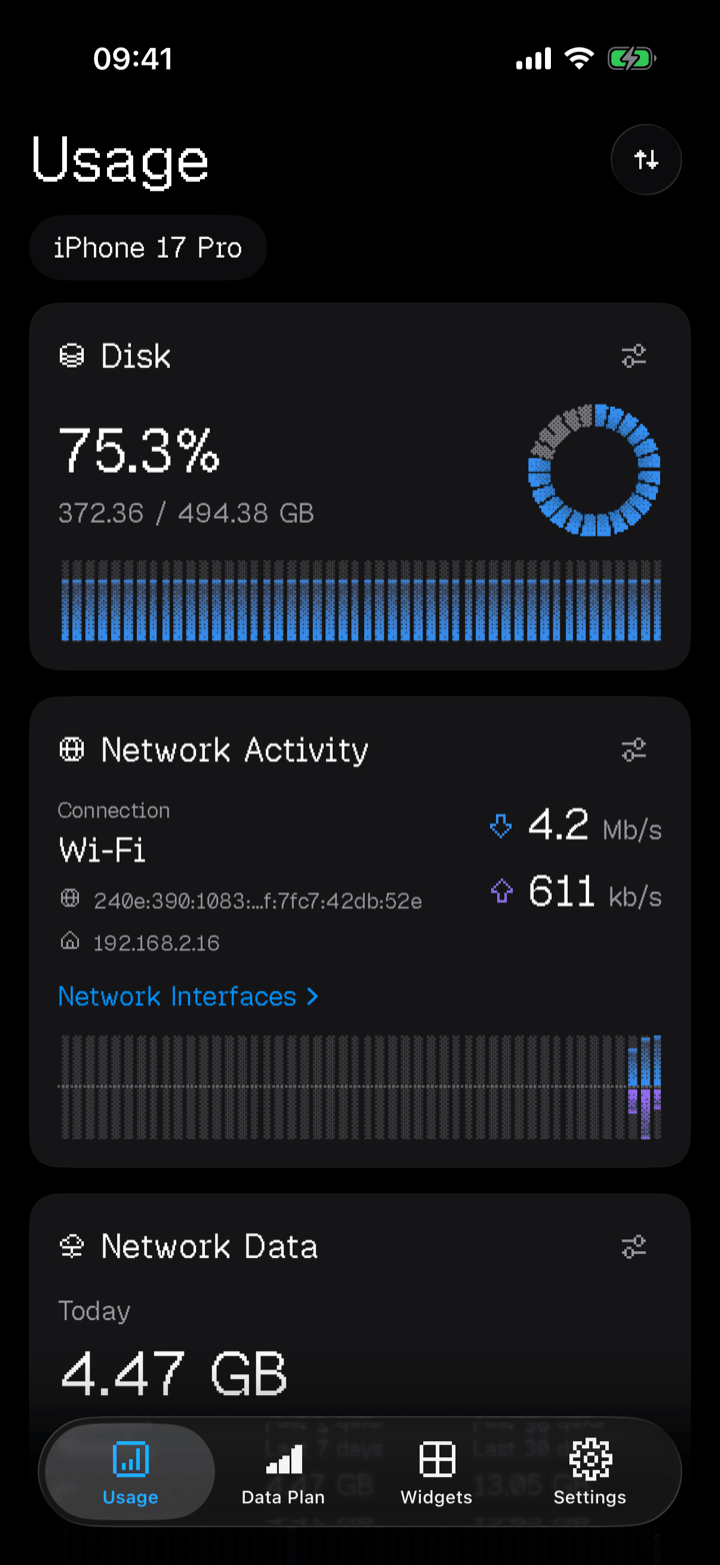
The dashboard
Eight cards.
One screen.
Drag them into the order you want. Configure each one on its own — gauge style, thresholds, units, refresh rate.
Widgets
22 tiles,
outside the app.
Home Screen and Lock Screen. Every tile follows the card you configured, so a gauge you changed shows up out here too.
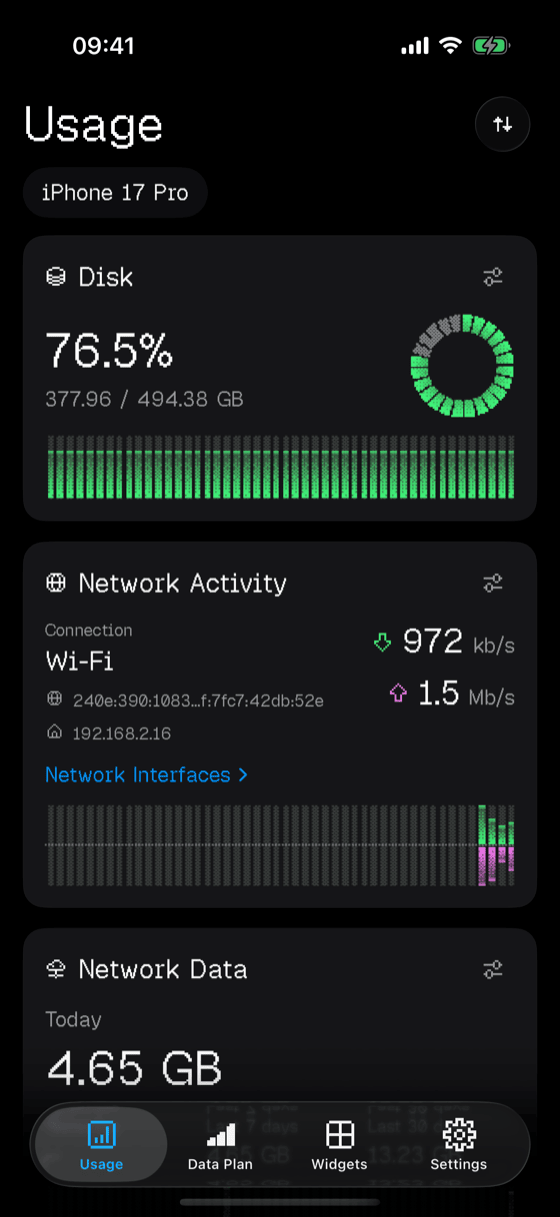
Themes
Five ways
to dither.
Set one app-wide, or give a single card its own. Original is free; the other four come with Pro.
Privacy
Nothing leaves your iPhone.
No accounts, no analytics, no advertising identifiers, no third-party SDKs, no servers of ours. There is nowhere for your data to go.
Usage! Pro
Six ninety-nine.
Once.
The app is free with no time limit and no ads. Pro is a single purchase that unlocks everything, permanently.
- History timelines on every card
- All five dither themes
- All 22 widgets
- iCloud sync of layout and settings
- Restores on your other devices
The fine print
- Network totals come from the device's own interface byte counters, system traffic included, so they usually read a little above the per-app figures in Settings — and they are not your carrier's bill.
- Battery mAh is an estimate: your model's published design capacity multiplied by the current charge level.
- No battery health, maximum capacity, cycle count, or CPU and battery temperature in degrees. iOS does not expose these to any third-party app; Usage! shows the system thermal state instead.
- No per-app CPU or memory breakdown, and no AirPods or Apple Watch levels — those use Apple's private protocols. Game controllers are supported, and Bluetooth accessories only if you turn that option on.
- Nothing runs in the background. Usage! samples only while it is open, so history and data totals fill in as you use the app.
Does Usage! run in the background?
No. It samples only while open and schedules no background work, so it cannot drain your battery behind your back. Opening the app is what brings everything up to date.
Why do the network totals differ from Settings?
Usage! reads the device's interface byte counters, which include system traffic; Settings attributes data per app. Neither is your carrier's billing record.
Is the battery mAh figure accurate?
It is an estimate, and labelled as one in the app: design capacity times current charge. It is not a measure of battery health.
Can it show battery health, cycle count or temperature?
No, and no third-party iPhone app can. iOS does not publish them. Usage! shows the system thermal state, which iOS does publish.
Can I see my AirPods or Apple Watch battery?
No — those travel over Apple's private accessory protocols. Usage! shows your iPhone, connected game controllers, and Bluetooth accessories that publish the standard Battery Service, if you enable that.
How often do the widgets refresh?
iOS decides. Storage, memory and charge are measured by the tile at each refresh; data totals and history come from samples taken while the app was open. There is no live network-speed widget, because a tile cannot update second by second.
Is Usage! Pro a subscription?
No. It is a one-time non-consumable purchase of US$6.99, restorable on any device signed in to the same Apple Account. Other storefronts follow Apple's conversion of that price point.
Does Usage! collect any data?
None. No analytics, no tracking, no accounts, no third-party SDKs and no servers of ours. Optional Cloud Sync uses your own private iCloud storage, for settings only.